

If you’re a small business owner, chances are you’ve heard how important it is to build your email list. Relying solely on social media to reach existing and prospective customers has its limitations, whereas your email list is an asset you actually own.
The key lies in how to grow your list. How do you encourage people to sign up for your updates? One of the best ways is to make your own online quiz and encourage respondents to provide their email address at the end. In today’s post, I’ll share how to do that using Interact, a fantastic tool.
What is Interact?
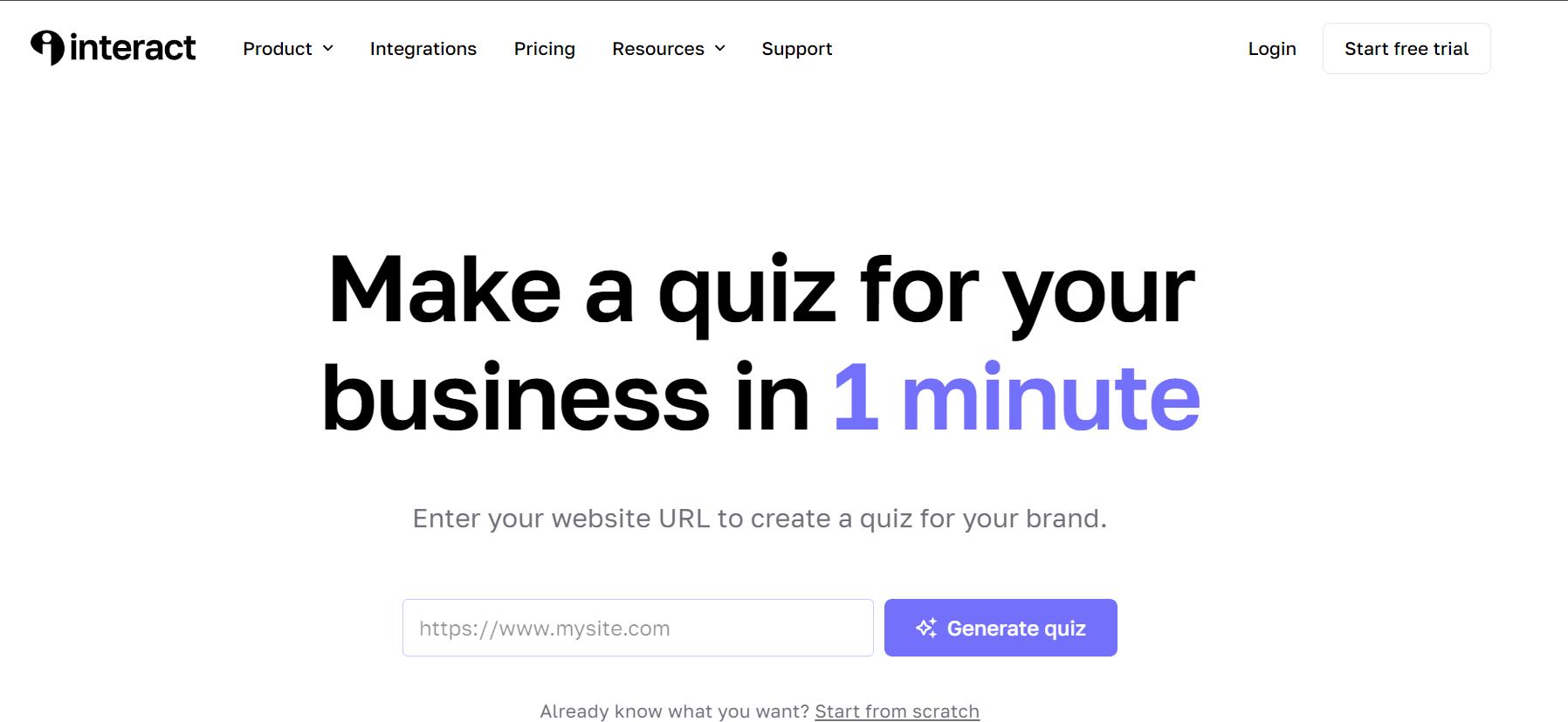
Interact provides an online tool that enables you to create your own quizzes. Their software is specifically targeted towards individuals and business owners seeking to grow their email list, drive sales, and/or boost their social media presence.
Why Quizzes?
Quizzes are an engaging tool with multiple benefits. Here are a few reasons why they’re a valuable tactic for your business.
Generate leads (high conversion)
Adding an email capture form to your quiz yields an average conversion rate of 50% which is often much higher than other lead magnets. That means that on average, half the people who take a quiz will opt in to get emails.
Increase sales (queue up recommendations)
Since quizzes generate personalized results, they’re a great opportunity to recommend relevant products, services, and content. Interact reports that personalized product recommendations generate 230% more sales than non-personal ones.
Use the results section of your quiz as a call to action to encourage respondents to check out an article, visit a product page, or take a specific action.
According to Interact, 10% of people who take quizzes share their results on social media which helps spread the word about your quiz and encourage more people to take it.
How to Make Your Own Online Quiz
There are several key steps to take to make the most of your quiz.
First, brainstorm and choose your quiz focus.
Spend some time thinking about your ideal reader or customer. If you’re looking to drive leads for a particular product or subtopic, identify that too. You want to get a sense of your target and objectives. If you’re looking for more inspiration, Interact has a great post about how to determine your quiz strategy.
In my case, I wanted my quiz to be a personality quiz that tells people something about themselves. My target reader is a millennial, and as millennials we LOVE learning more about ourselves!
Knowing that helped guide my thinking. If I were to create a wedding-related quiz, for example, I had to make sure it struck the right balance. Instead of a quiz like “What type of venue should you choose for your wedding?”, something like “What type of bride are you?” probably makes more sense.
I also wanted to choose a quiz topic that I have content around. That way, I can help quiz takers even more by sharing relevant blog posts with them once I provide their results.
Some areas I thought of for my own blog were productivity, side hustles/entrepreneurship, personal development, and wedding planning. I ended up settling on weddings since I have a few high quality posts available and will be posting more about the topic in the future. I also thought brides would be easier to target through Facebook Ads down the road.
Second, design your quiz.
You can either use one of Interact‘s templates (as-is or with edits), or create your own.
In that same post mentioned above, Interact provides a worksheet so that you can begin sketching out and designing your quiz. Creating an outline before actually building your quiz will save time and effort.
Here’s an overview of the components available in the quiz builder.
Third, build your quiz.
Leveraging Interact‘s easy-to-use software, create your quiz. Their Learning Centre provides tutorials to help you get started on the step-by-step process.
I ended up using a quiz template and then making edits and adjustments to better fit my voice and audience.
Interact offers many ways to share your quiz from embedding it on your site to creating a pop up to setting it up as a Facebook ad, and more.
I took advantage of many of these placements.
First, I created a dedicated blog post with my wedding quiz so that I could easily drive people to it from Pinterest. That way, people would end up on my site and would be more likely to check out other relevant content. I also linked relevant blog posts in that article.
Second, I added an announcement bar to the top of my website calling out the quiz, which was easy to set up through the Interact Plugin for WordPress.
Third, I tried out Facebook ads with the quiz. I didn’t see great results after a few days so I turned it off, but I may revisit it in the future and tweak some of my targeting criteria. I set it up where I paid for impressions (vs. clicks) as it seemed to be the only way to try it out with a small budget. But I ended up not getting any clicks because of this approach. I may try again in the future.
Ready to make your own quiz? I’ve created a FREE Quiz Builder Template that you can download to get started!
Find it in the FREE Resource Library under Business Building. Get access by signing up here:
Interact Quiz Plan Pricing
Interact offers several different pricing plans.
Free
Free forever
Their Free plan lets you create unlimited quizzes and is a great way to try out their service.
At the same time, it lacks several key features valuable for small business owners. Namely, it lacks the ability to collect email addresses, integrate with an email provider, and do custom design. It also lacks some additional features including help formats and access to analytics.
Since the other plans include 14 day free trials, you may want to start with a free plan and then begin a free trial with one of their paid plans to test out some of the added functionality.
Lite
$17USD/month if paid annually; 14 day free trial available
If you’re looking to collect email addresses and customize the look and feel of your quiz, the Lite plan may be a good fit for you. It allows you to collect up to 60,000 emails per year, and integrates with many email providers.
Like the Free plan, the Lite plan also lacks the ability to use your own branding and doesn’t include analytics. It’s slightly more robust on the support front.
Growth
$53USD/month if paid annually; 14 day free trial available
The Growth plan is touted as the most popular plan and offers the best value, according to Interact. It lets you collect up to 120,000 emails per year (double that of the Lite plan) and integrated with additional email providers like Hubspot and Infusionsoft.
It also has the added benefit of letting you use your own branding and access analytics and more support options.
Pro
$125USD/month if paid annually; 14 day free trial available
Interact‘s Pro plan is the most robust option available. It allows you to collect unlimited email addresses, integrates with even more providers, and even includes a coaching call.
My Experience with Interact
I’ve only just started using Interact myself, but the experience has been fantastic.
First, their quizzes are incredibly easy to build, and I love having the ability to leveraging an existing quiz or make my own. I was able to customize a quiz on my own and found the overall interface to be intuitive.
Second, integrating the software with my email provider was a breeze. In a few clicks, everything was set up and I was able to start collecting leads.
And third, their support is wonderful. They have demo calls twice a week to show you how to build a quiz, and tons of online resources that you can access at any time.
In terms of results, they have been fantastic! Since the quiz went live (about a year and a half), I’ve collected over 280 email addresses from that one quiz alone. It’s been the single biggest driver of my email list growth.
